
Both libraries bring the functionality of the JavaScript library Tabulator into the Python and R ecosystem and enable seamless integration of interactive tables into applications such as Shiny (including Shiny for Python) as well as into reports (e.g., R Markdown). Instead of static DataFrames, data scientists get a full-fledged UI component for exploration, editing, and presentation of data—directly in the browser and without additional frontend code.
py-tabulator and rtabulator particularly show their full potential in Shiny applications: datasets can not only be displayed but also actively explored and edited. Features such as filtering, sorting, grouping, and pagination are integrated by default and enable efficient analysis even of large datasets.
In addition, both tools offer a wide range of modern features:
- Reactive interactions (e.g., click events on rows)
- Inline editing with validation and history (undo/redo)
- Column calculations and flexible formatting
- Export and download functions
- Responsive layouts for different devices
Examples
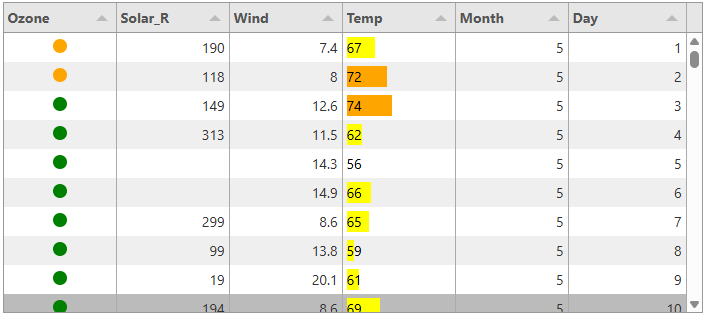
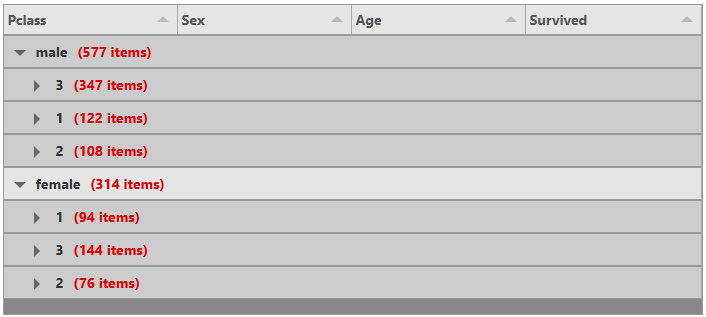
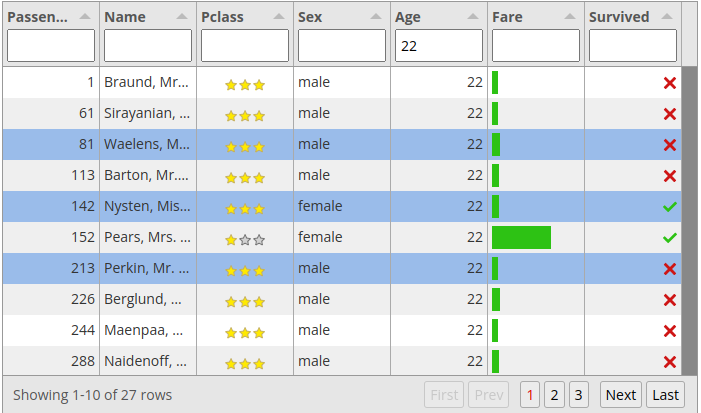
A particular highlight is the high level of customizability: tables can be flexibly configured and styled with different themes—from minimalist displays to fully integrated UI designs such as Bootstrap or Materialize.
This opens up a wide range of use cases for data scientists:
- Interactive data dashboards
- Exploratory analysis of tabular datasets
- Data validation and editing directly in the browser
- Presentation of complex data in reports
- Combination with model results, KPIs, and map visualizations (e.g., as feature tables)
Conclusion
py-tabulator and rtabulator extend the classic data science stack with a crucial component: interactive, web-based tables. In combination with tools such as Shiny, a seamless workflow emerges—from data analysis and exploration to interactive applications and presentation, entirely within the Python and R ecosystems.
rtabulator:
- Link to our repo: https://github.com/eoda-dev/rtabulator
- Link to the documentation: https://eoda-dev.github.io/rtabulator/
pytabulator:
- Link to our repo: https://github.com/eoda-dev/py-tabulator
- Link to the documentation: https://eoda-dev.github.io/py-tabulator/
Author
Get started now:
We look forward to engaging with you.